




Add Voice Call Reminders to n8n with DoNotify
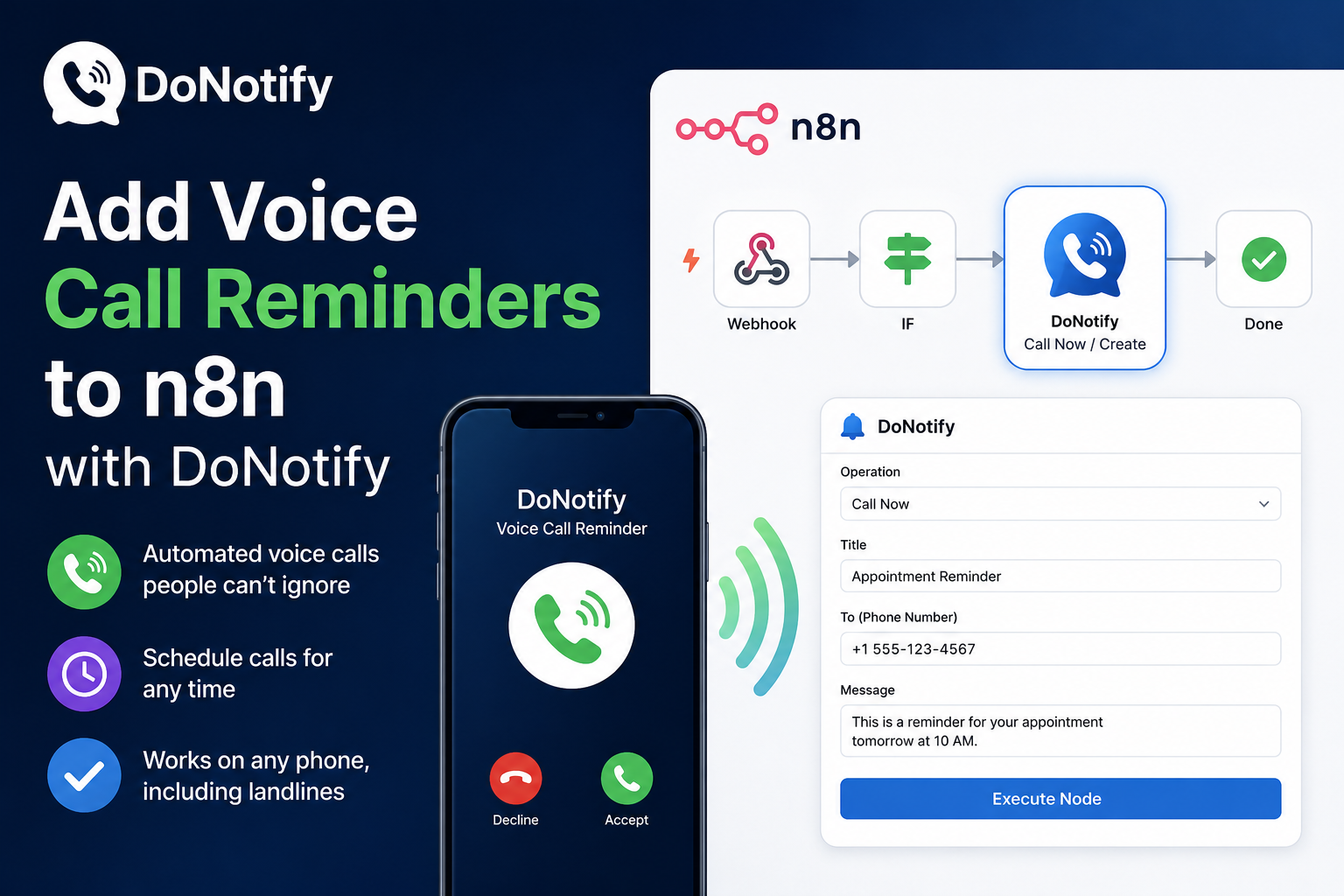
n8n is brilliant at automating almost anything — but when it comes to reminders, most workflows stop at email or SMS, the two channels people are most likely to ignore. With the new DoNotify node for n8n, you can do something far harder to miss: trigger a real voice call.
DoNotify places automated phone-call reminders that ring through silent mode and Do Not Disturb. Now any n8n workflow can fire one off — perfect for appointments, medications, follow-ups, and anything too important to leave to a notification.
What the DoNotify n8n integration does
The DoNotify node lets your workflows:
- Call Now — place an immediate voice-call reminder.
- Create (Schedule) — schedule a call for a future time.
- Get Usage — check your plan and remaining reminders.
- Get Profile — pull your account details.
Connect it to any trigger — a new CRM record, a calendar event, a form submission, a failed payment — and DoNotify makes the call.
How to set up voice call reminders in n8n
- Create a DoNotify account at https://donotifys.com and add your phone number.
- Generate an API token in DoNotify under Profile → API Tokens (copy it — it’s shown once).
- Install the node in n8n: open Settings → Community Nodes → Install and enter
n8n-nodes-donotify. - Add the credential: create a DoNotify API credential with base URL
https://donotifys.comand your token, then click Test. - Add the DoNotify node to a workflow, pick Call Now or Create, set a title, and run it.
That’s it — no code, and it works on any phone, including landlines.
Example automations
- Cut no-shows: when an appointment is booked, schedule a DoNotify call for the day before.
- Escalate alerts: if a monitoring workflow detects downtime, call the on-call person instead of emailing.
- Payment recovery: when an invoice goes overdue, trigger a friendly reminder call.
- Personal nudges: call yourself before high-priority meetings so you’re never late.
Frequently Asked Questions
Does this work on n8n Cloud and self-hosted?
You can install it today on self-hosted n8n via Community Nodes. We’re rolling it out as a verified node so it appears directly in the n8n nodes panel.
Do I need to write any code?
No. It’s a standard n8n node — add your token once and drag it into any workflow.
What does it cost?
DoNotify offers a free tier to start, with paid plans for higher volumes. See pricing at https://donotifys.com/pricing.
Why a phone call instead of SMS or email?
A ringing phone is the highest-attention reminder there is — far harder to ignore than a text or email, which is exactly what you want for time-critical events.
Get Started
Turn your n8n workflows into reminders people actually answer. Create a free DoNotify account at https://donotifys.com, grab your API token, and install n8n-nodes-donotify — your first voice-call automation takes about five minutes.